macUSB
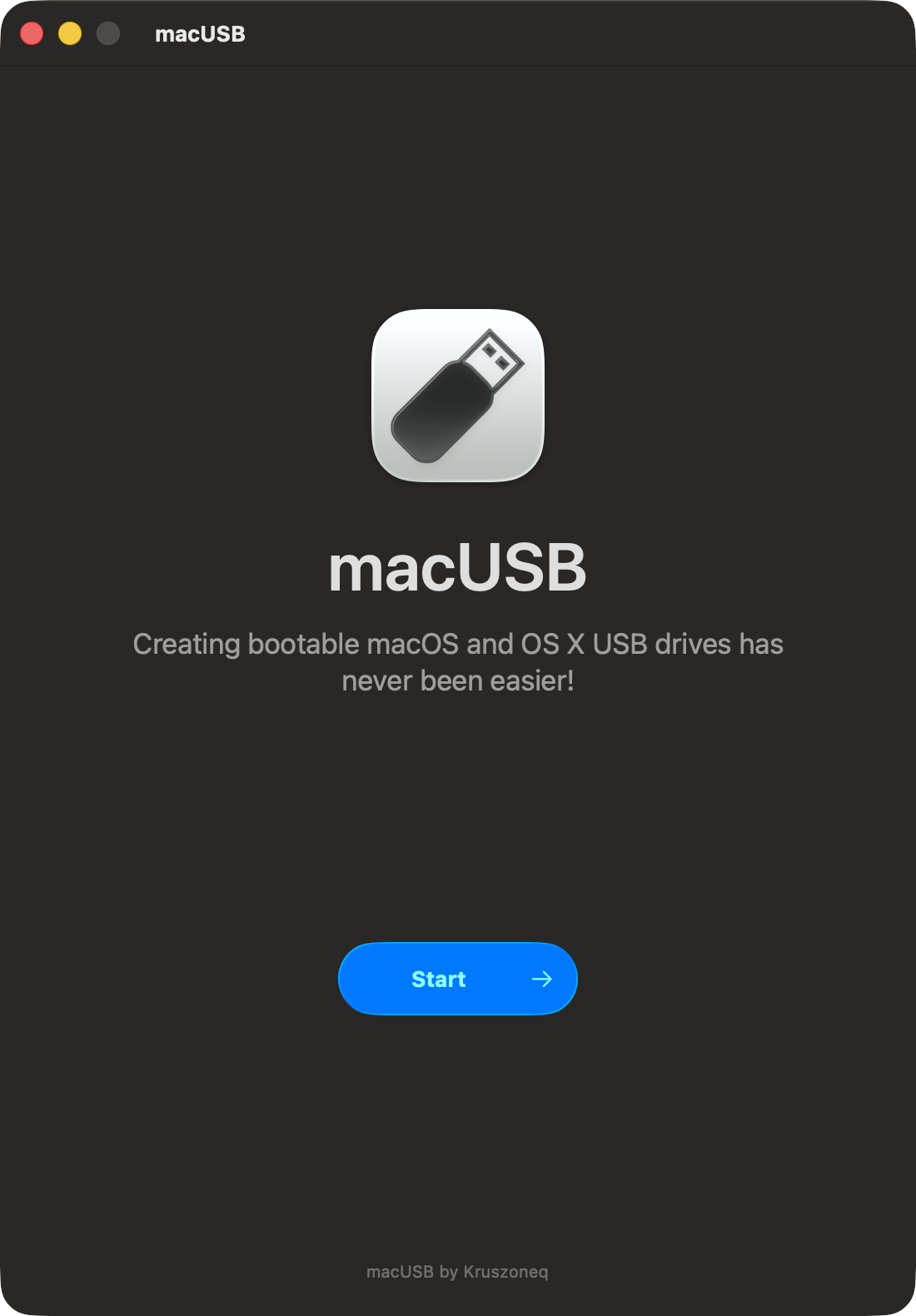
Download. Flash. Boot. The all-in-one USB creator for Mac
brew install --cask macusb
Zero-config bootable USB creation
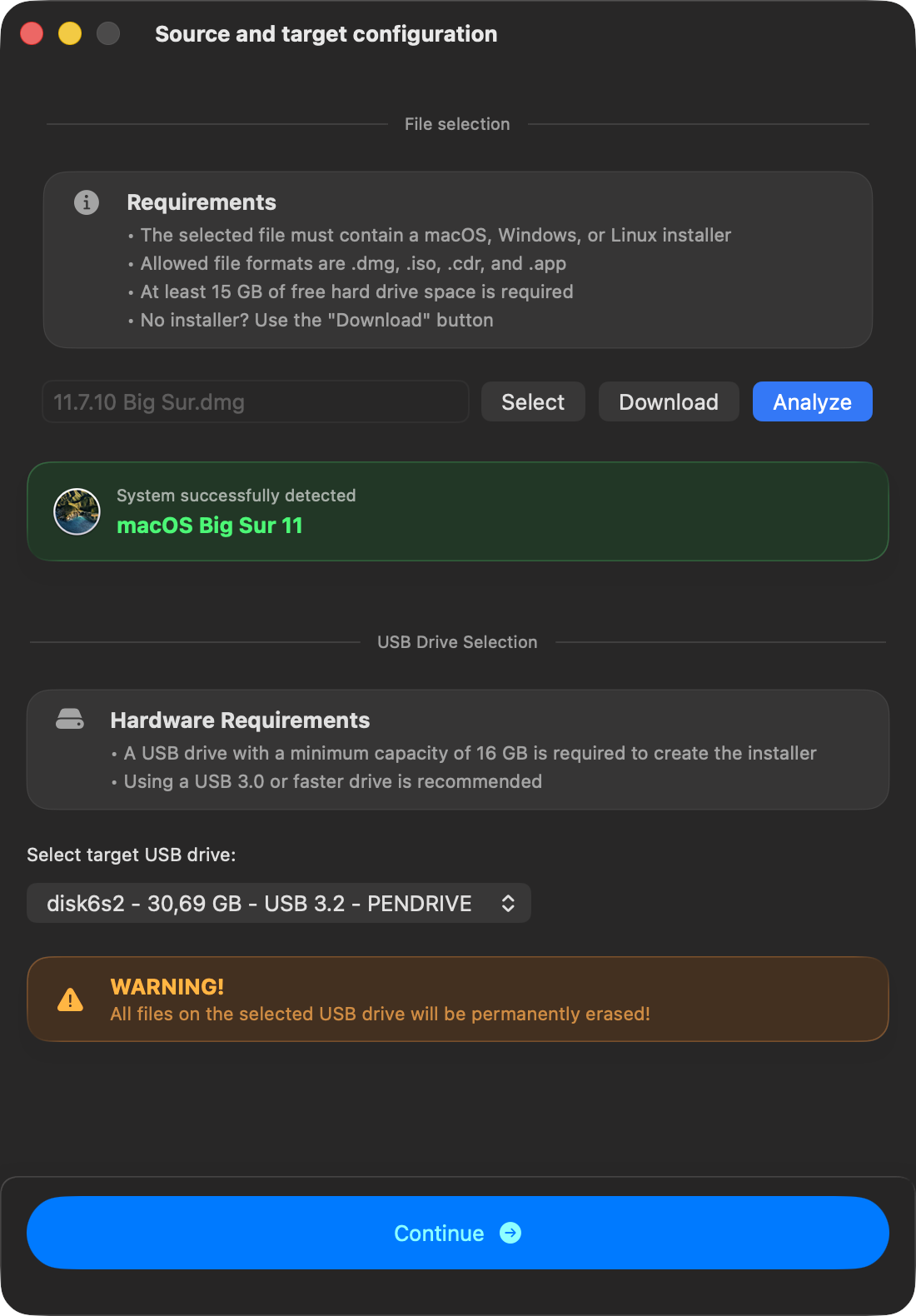
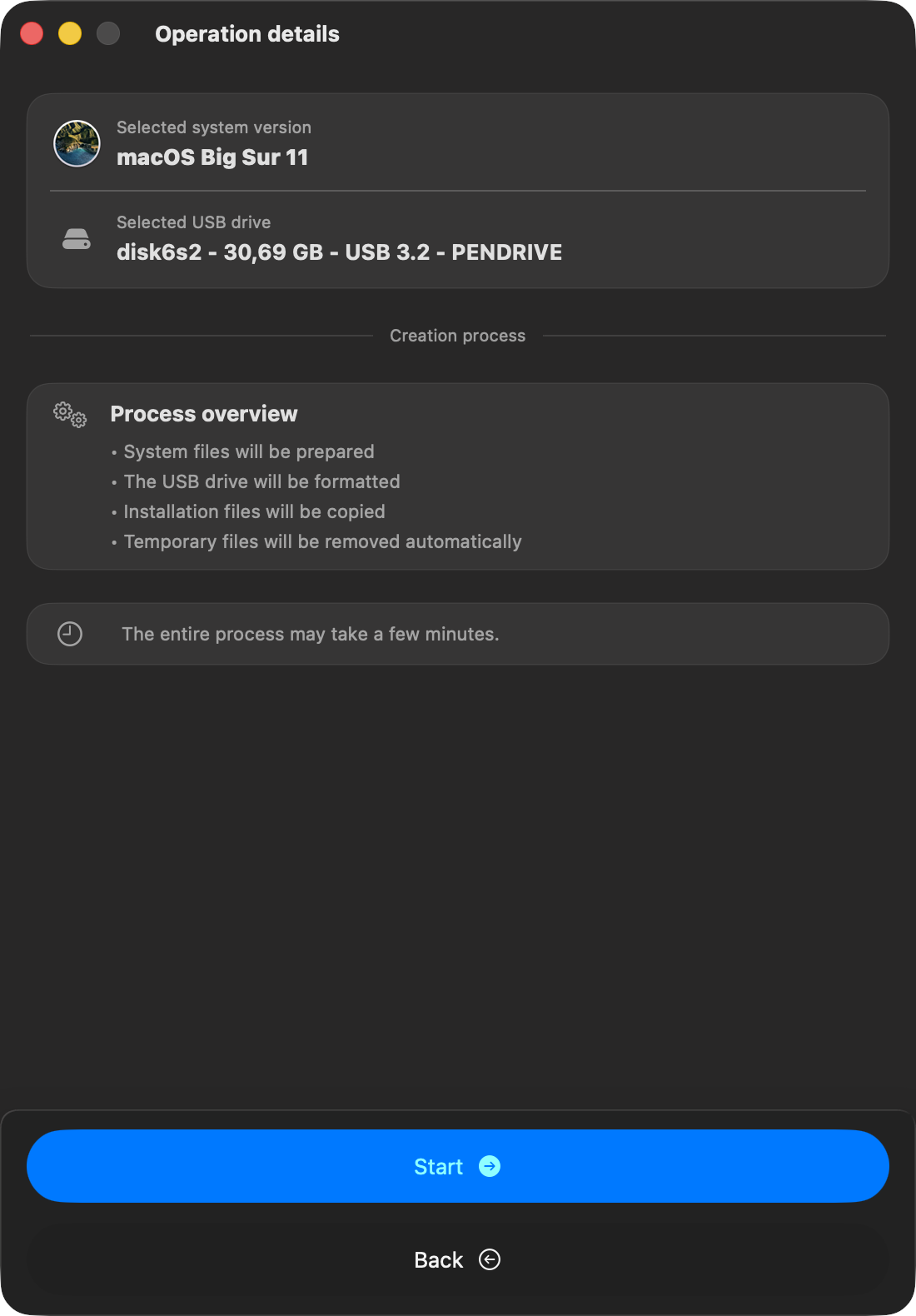
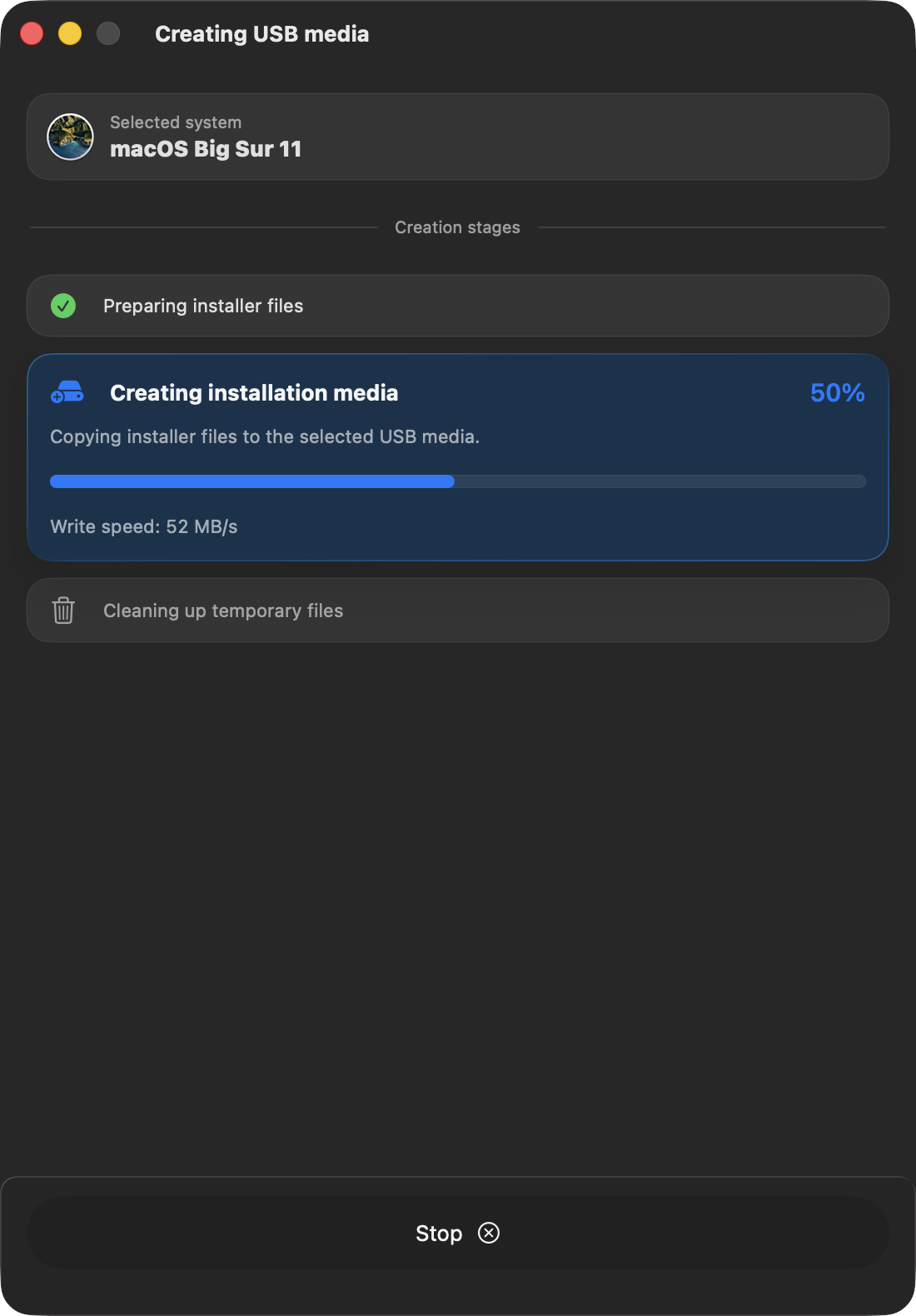
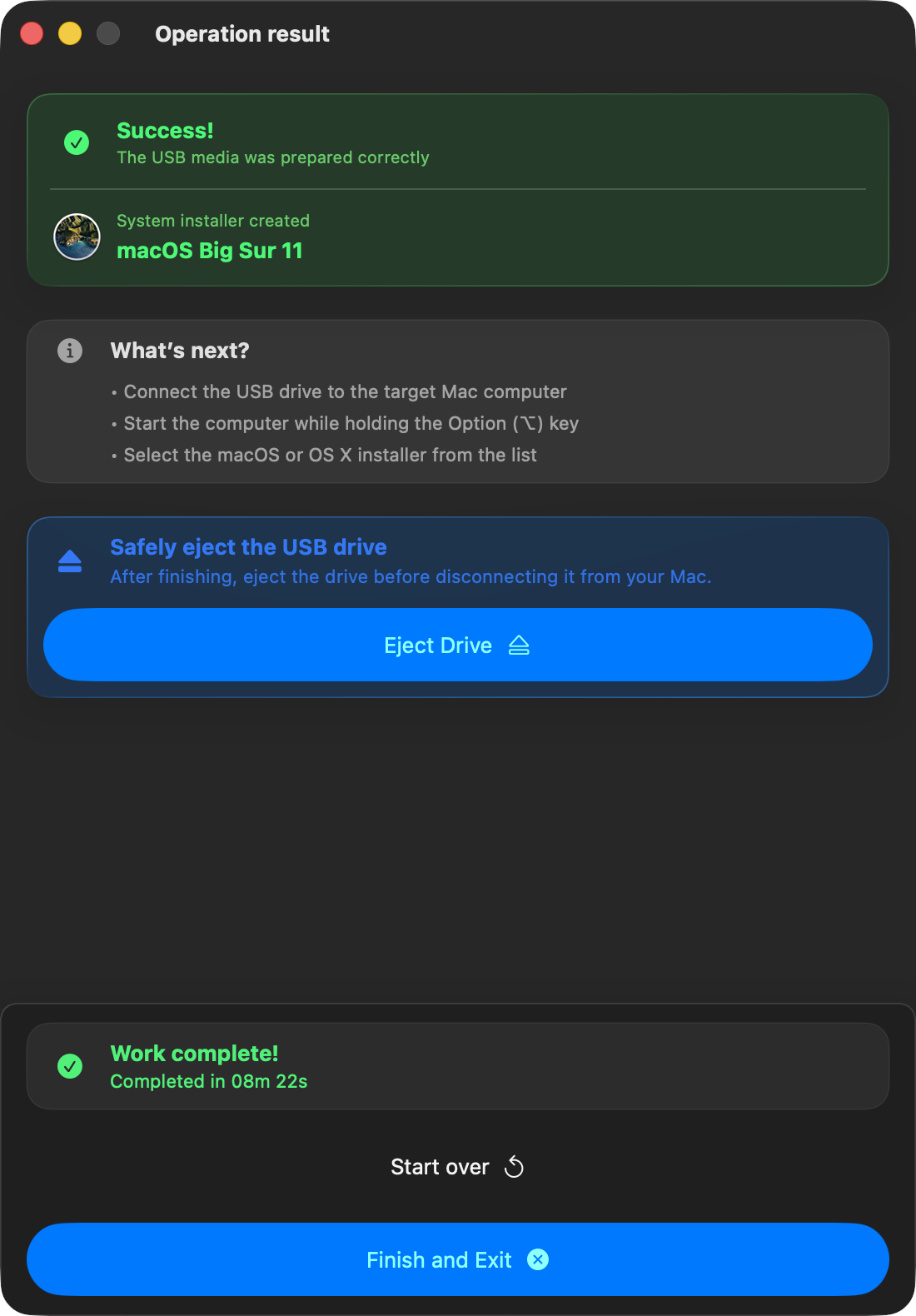
Select an image and a target drive. macUSB fully automates the drive preparation and image flashing.
The optimal flashing method is applied dynamically based on the source image format.
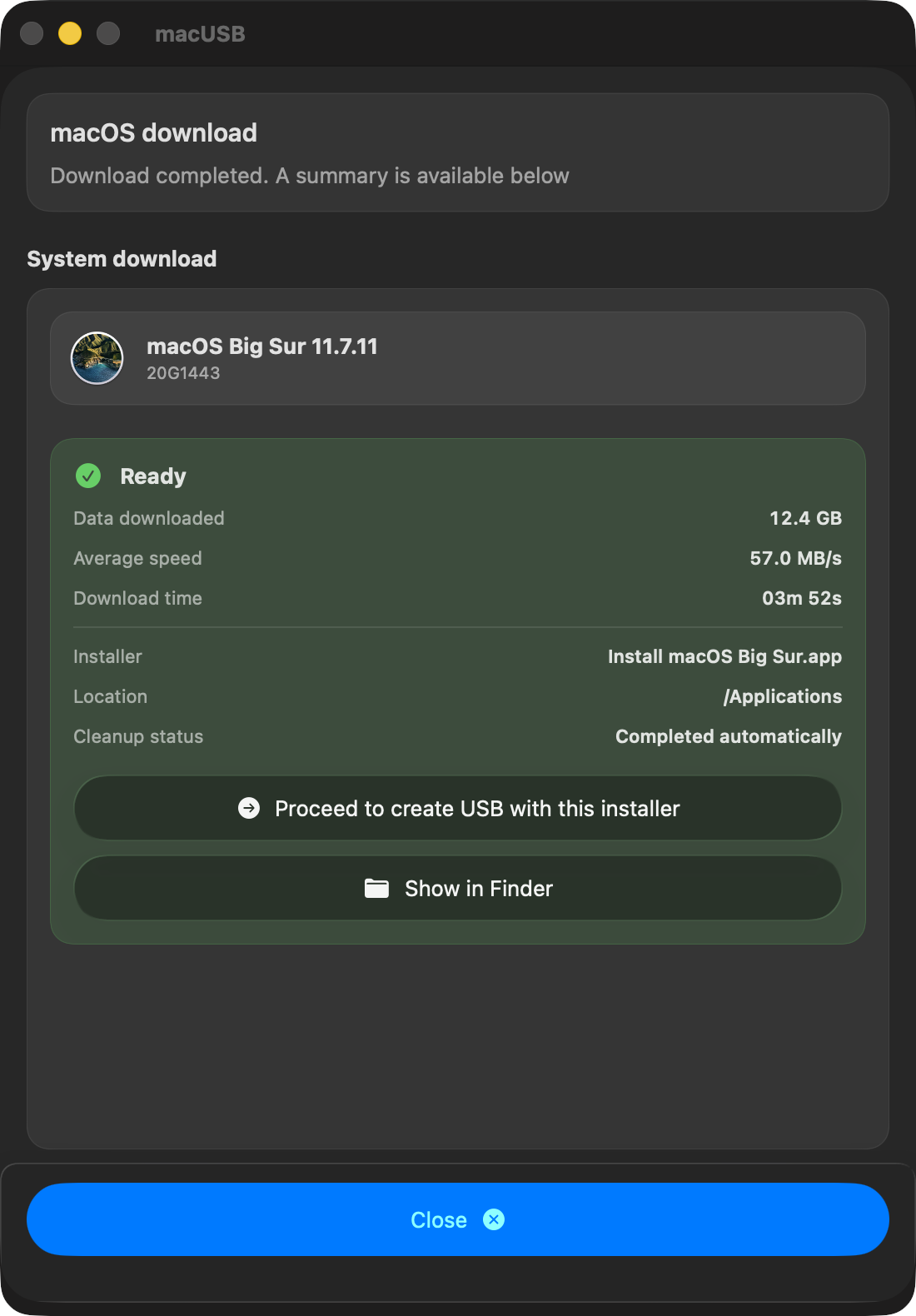
Pull official macOS installers straight from Apple
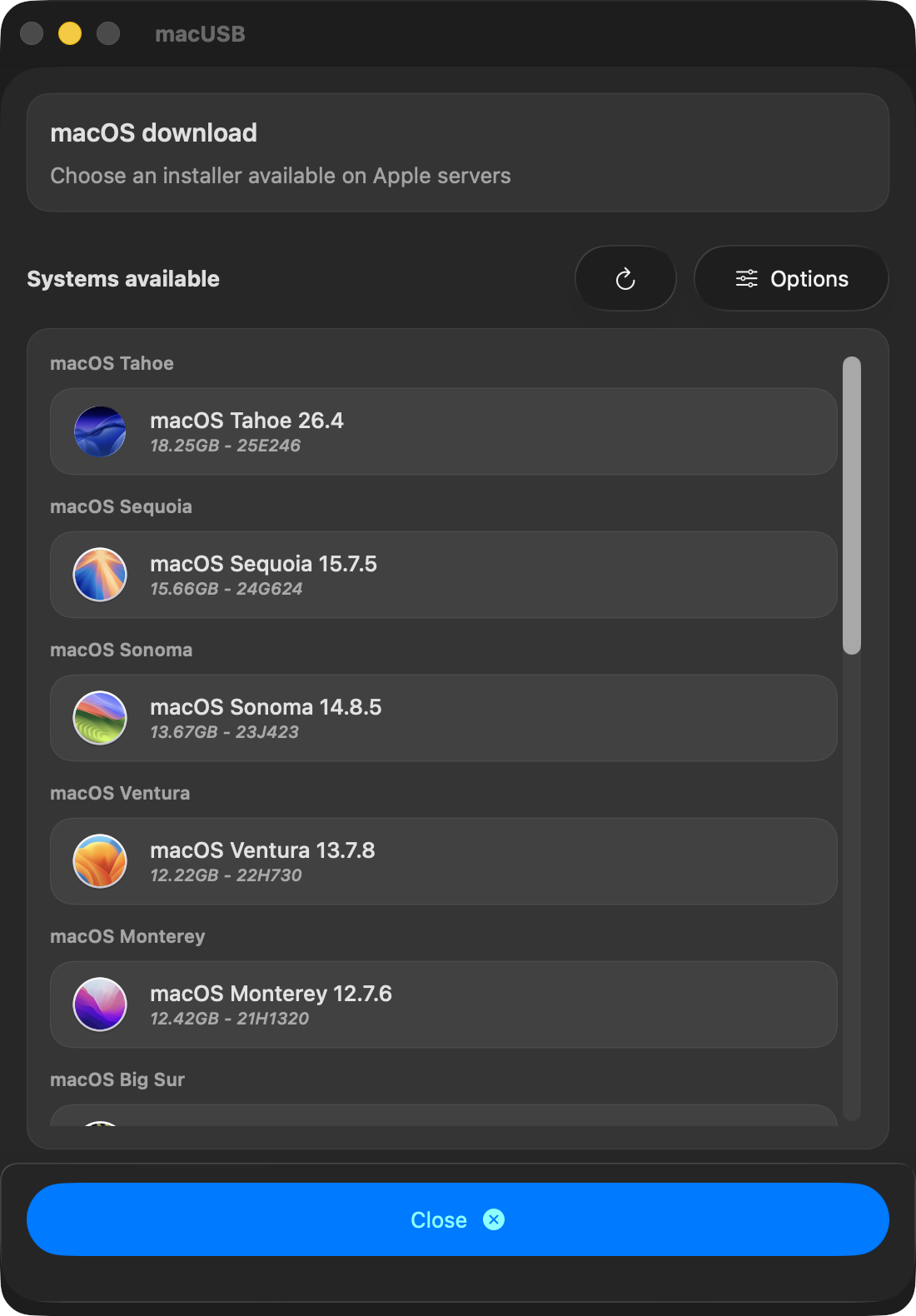
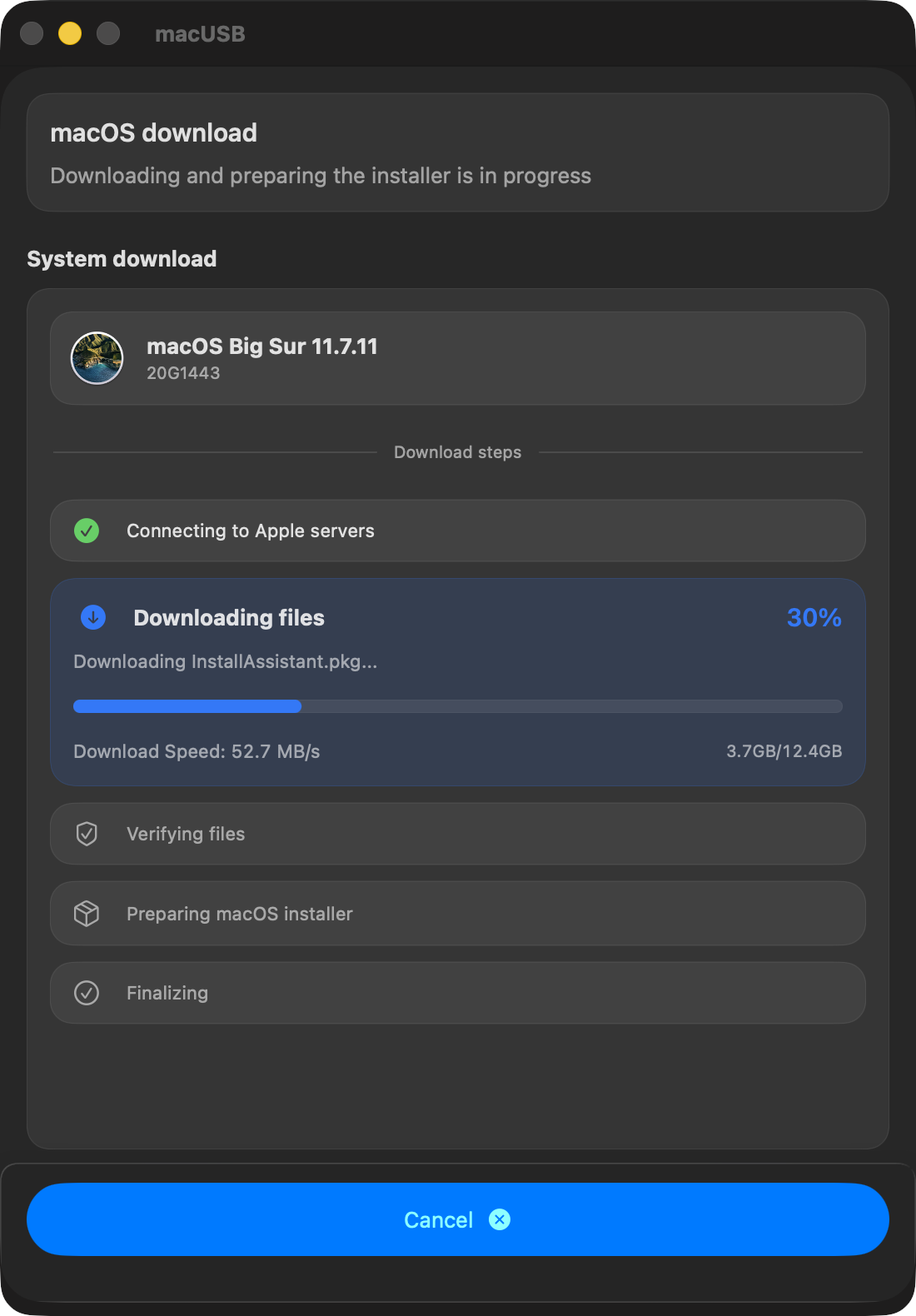
Skip third-party mirrors. Select a release and download verified, official macOS installers directly within the app.
Track real-time progress and eliminate the need for external tools.
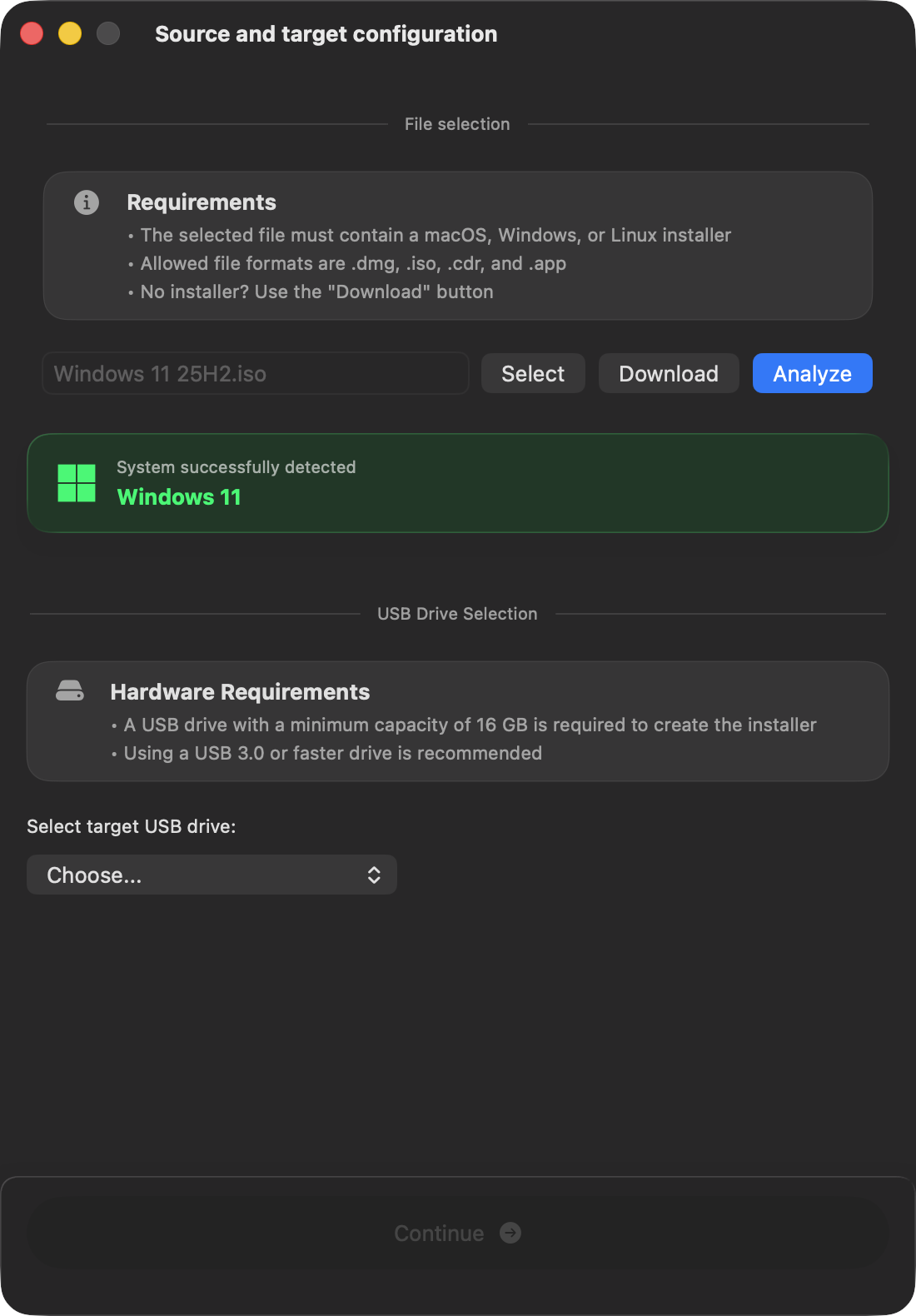
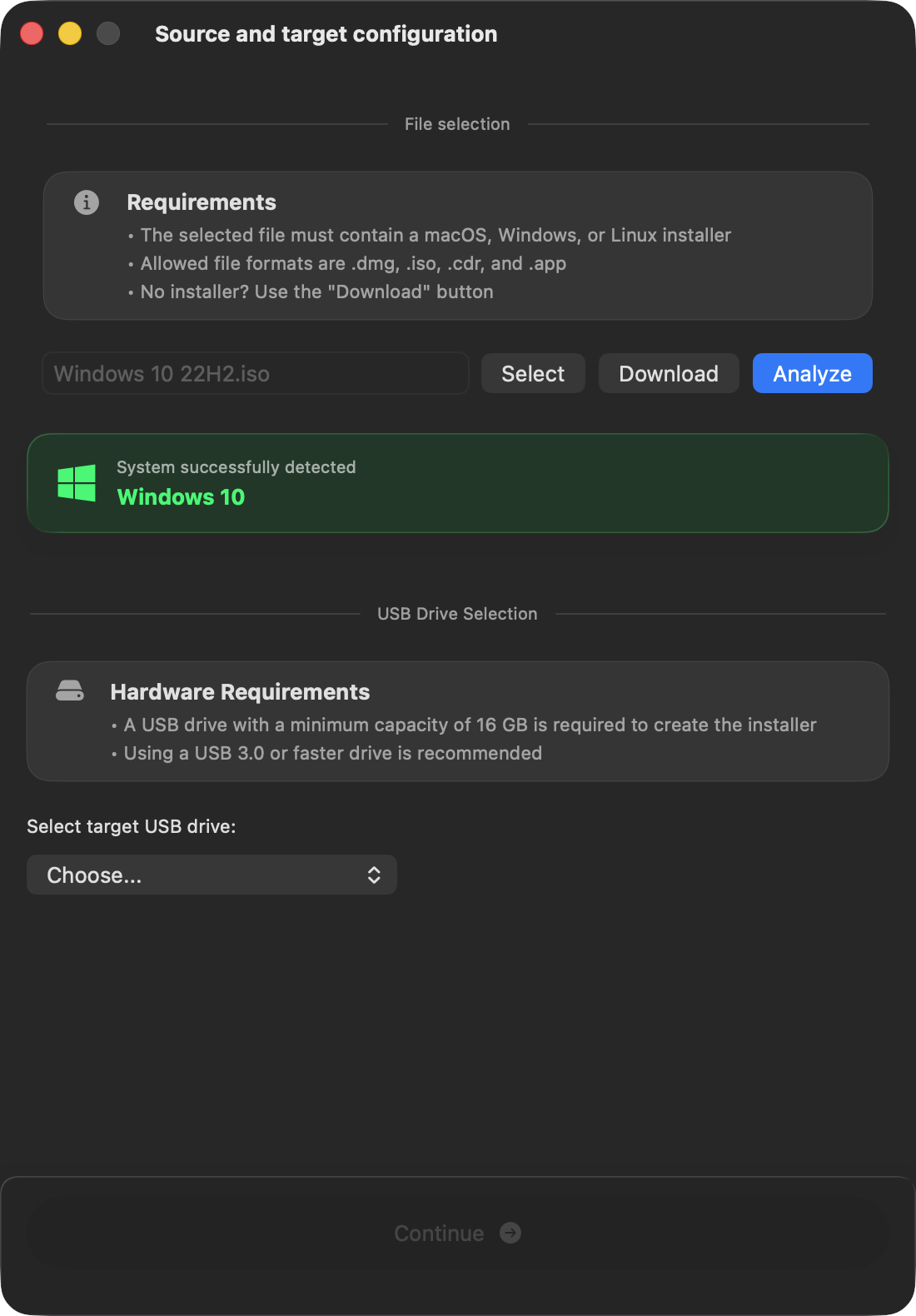
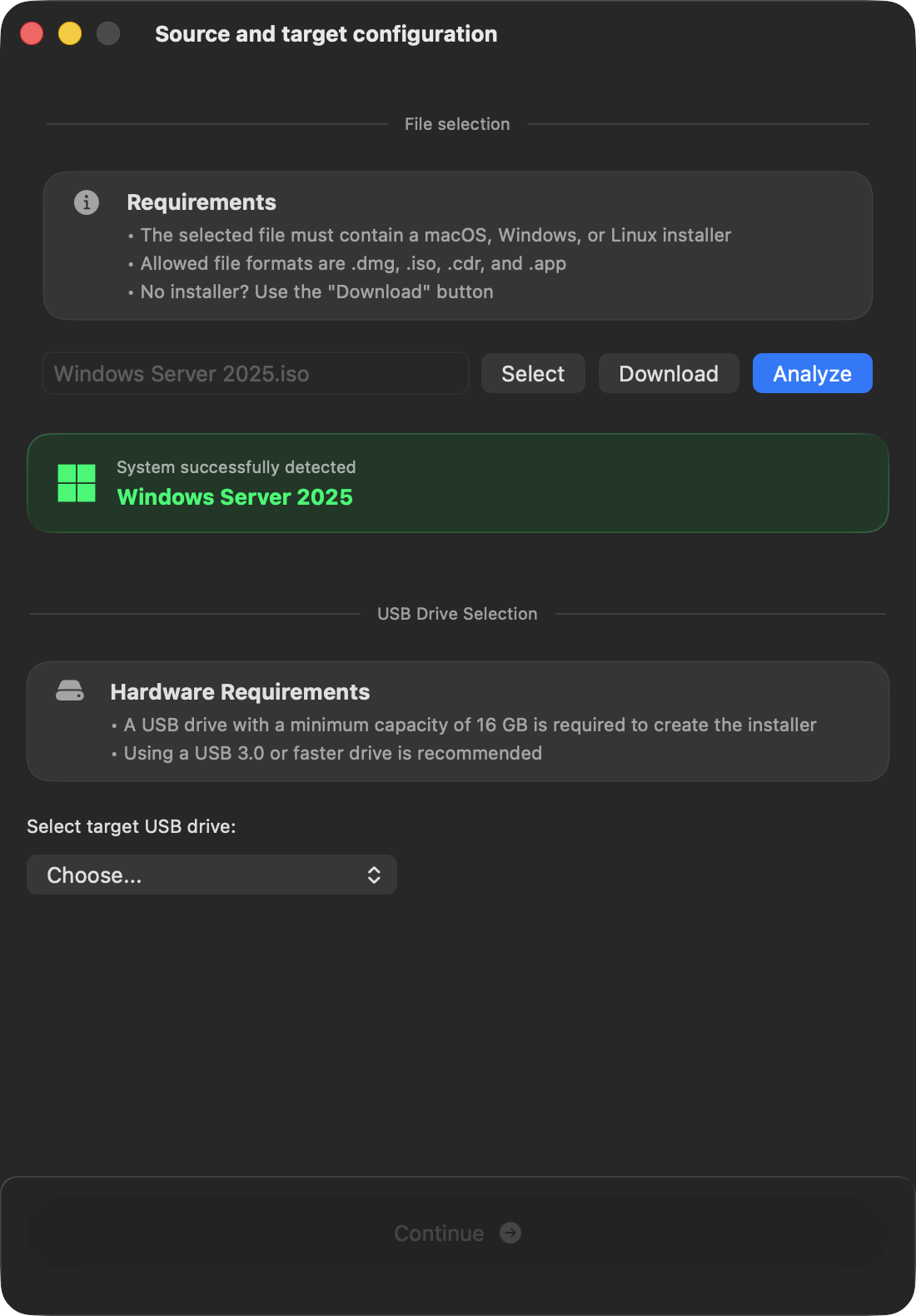
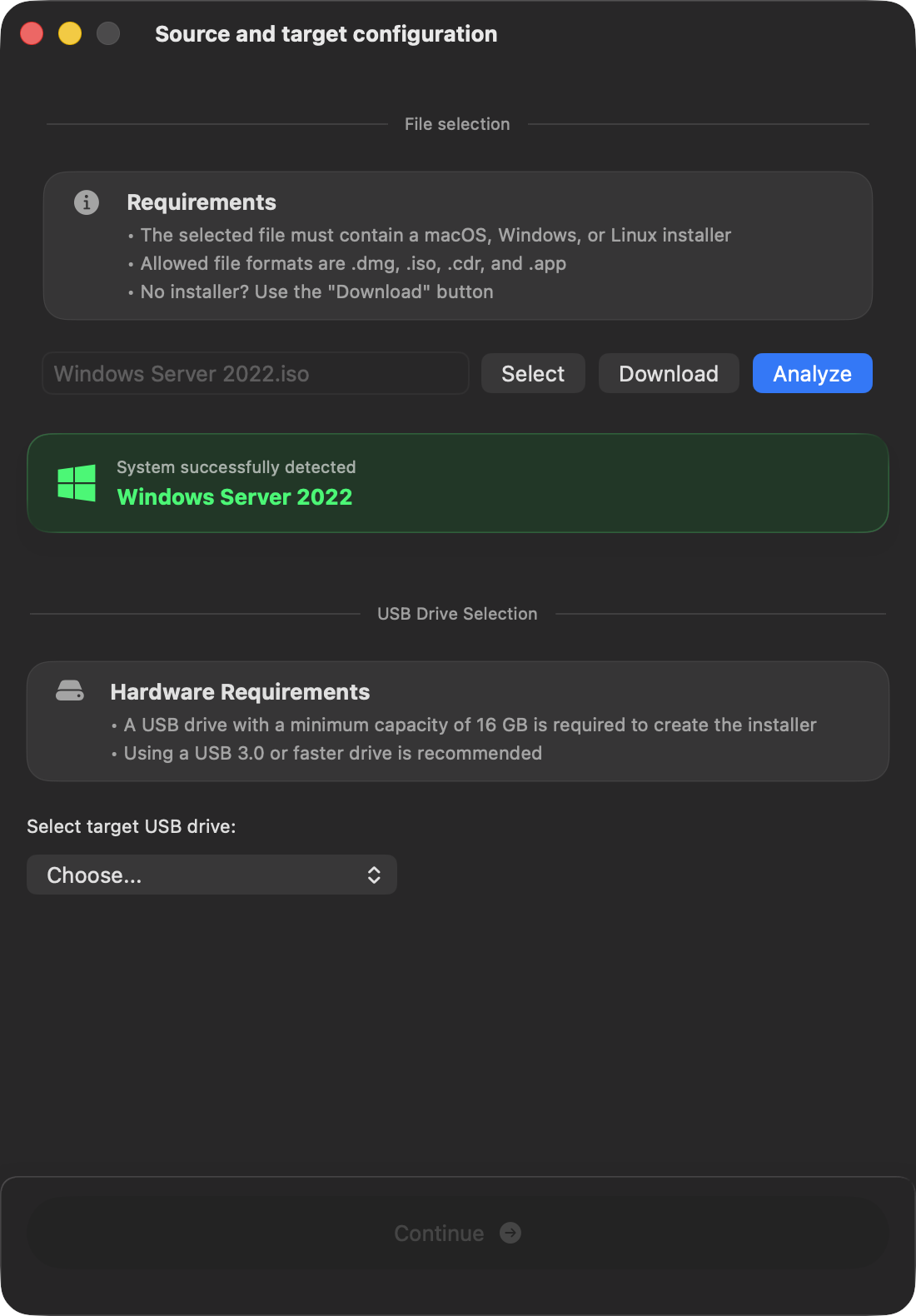
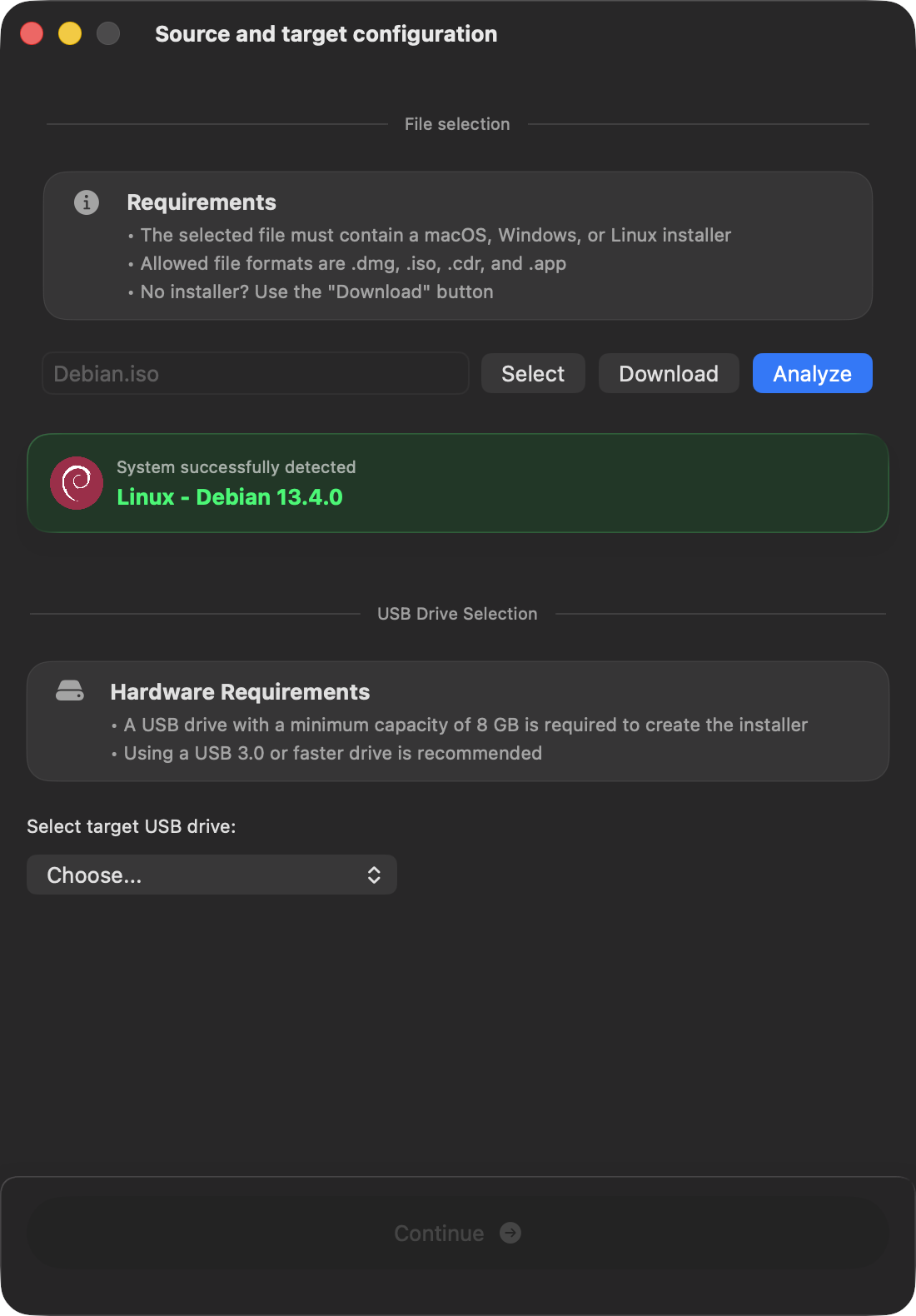
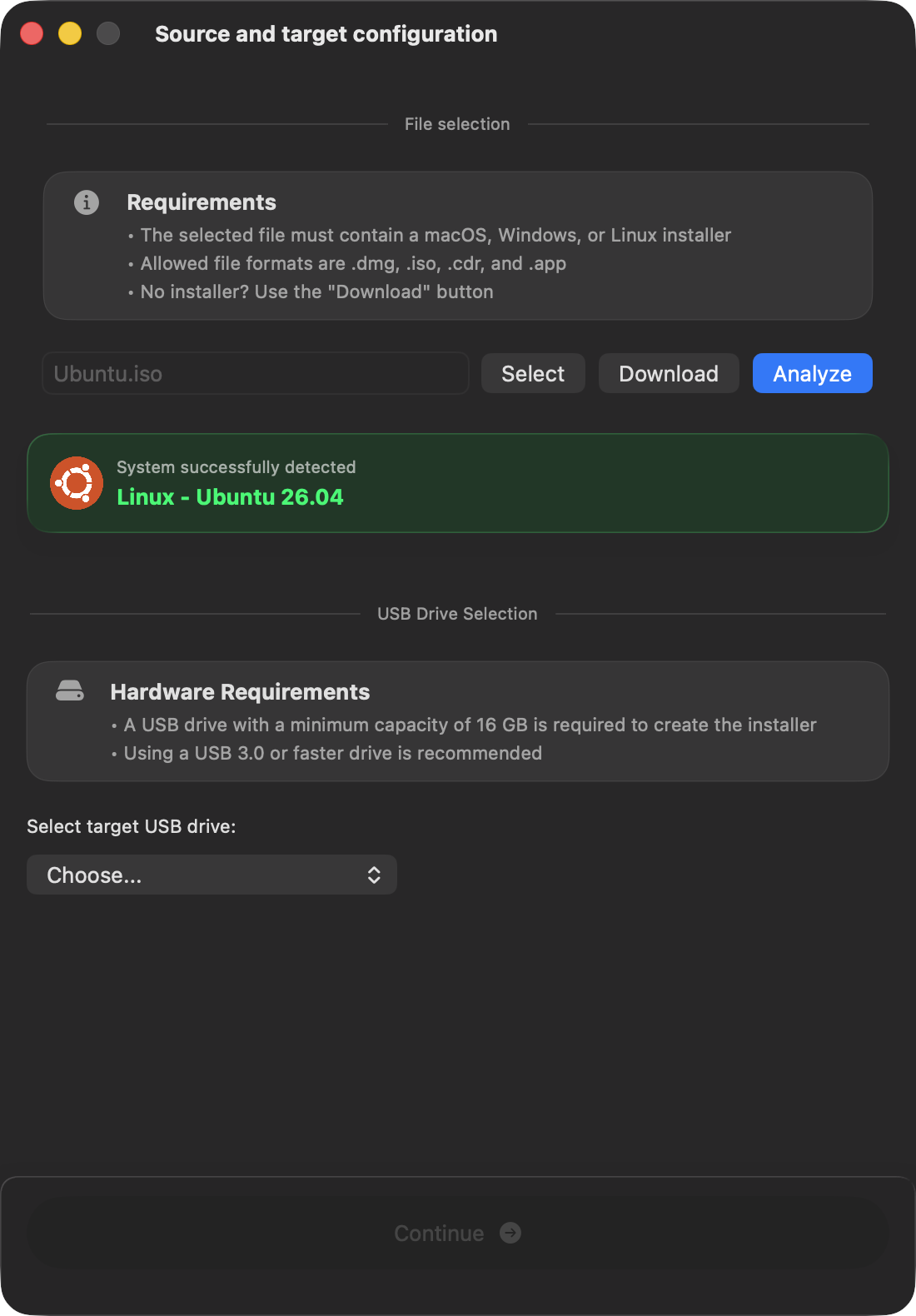
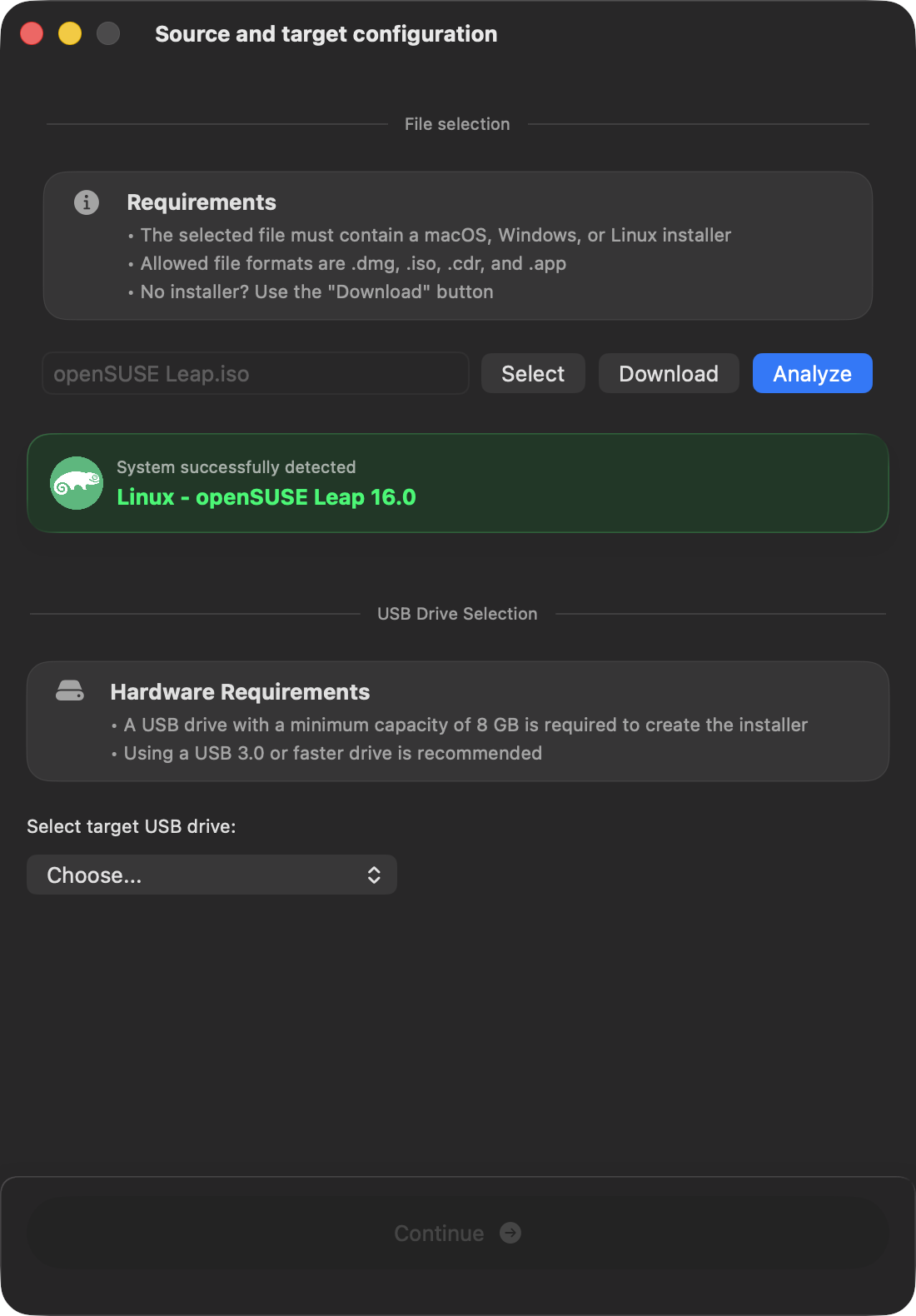
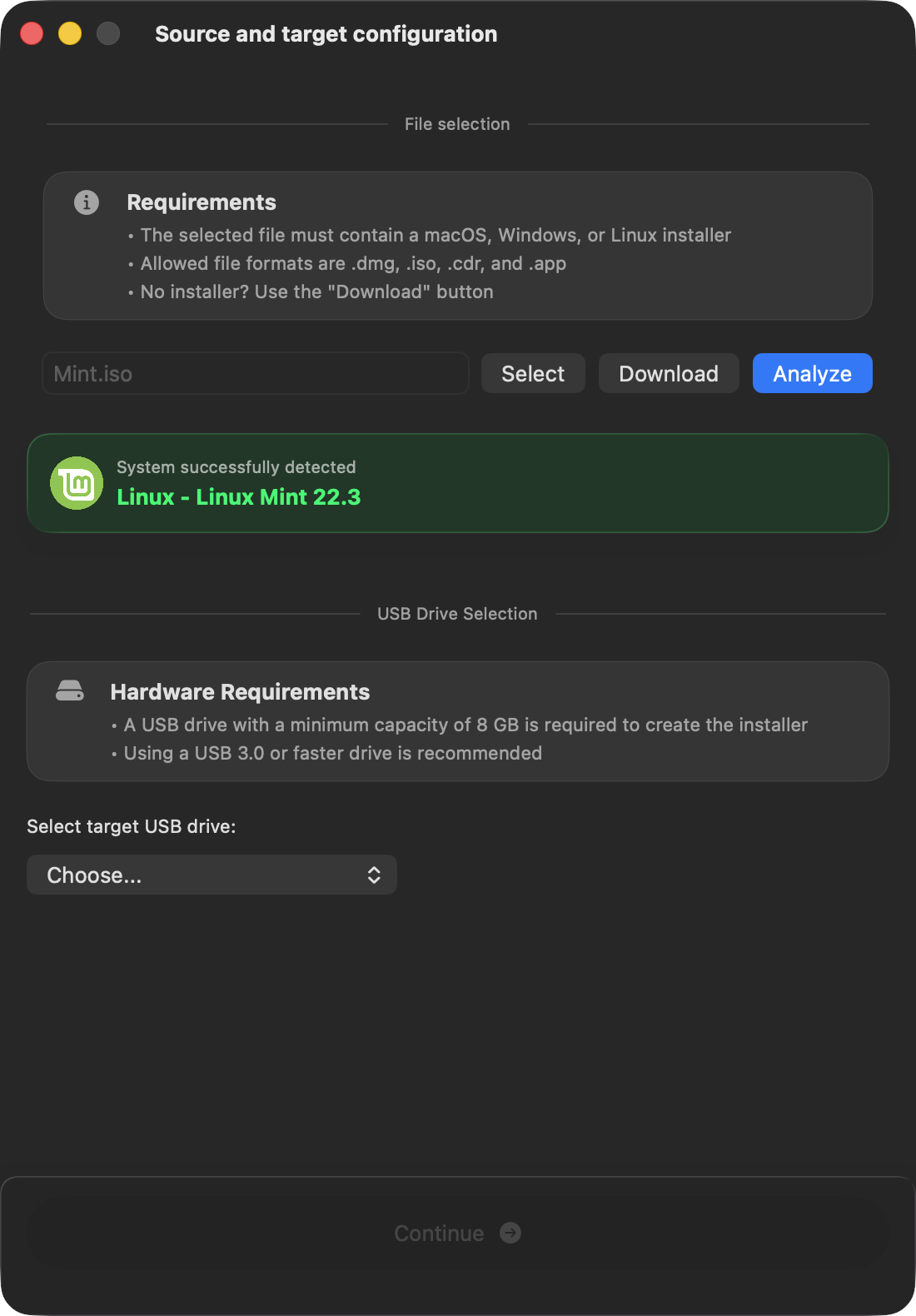
Smart Windows and Linux image validation
Drop a Windows or Linux ISO to instantly verify the exact OS release, edition, and architecture before flashing.
Oversized Windows .wim files are split automatically to fit within FAT32 limitations.1
Bypass Apple Silicon restrictions
Creating older macOS installers on Apple Silicon frequently fails due to expired certificates. macUSB automatically handles the validation errors to guarantee a successful flash.
Built natively with Swift
No Electron, no web wrappers. macUSB is a lightweight, natively compiled application designed exclusively for macOS, with blazing-fast performance, minimal memory footprint, and tight system integration.
Fully open, always free
macUSB is open source and free. Explore the code on GitHub, report issues, and help shape upcoming releases.
1.Splitting Windows .wim files requires the free wimlib package. It isn’t included with macUSB and must be installed separately, for example with Homebrew. macUSB checks for it only when a Windows installer requires .wim splitting to fit within FAT32 limitations.